Fastest WordPress Themes in 2026: We Measured 23 Free Themes
Which WordPress theme is the fastest? We stopped guessing and measured it. On 29 October 2026 we installed 23 free themes on the same WordPress 7.1.4 site, filled it with the same 10 posts, and loaded the blog homepage and one single post with every theme. Then we counted what each theme makes a browser download: bytes, requests, render-blocking files, fonts and DOM nodes.
- Tested on WordPress 7.1.4, PHP 8.3, no plugins
- 23 free themes, latest versions on 29 Oct 2026
- Same 10 posts and settings for every theme
On this page
How we tested
Most theme speed tests compare demo sites, and demo sites are full of different images, sliders and plugins. What does that tell you about the theme itself? Not much. So we did the opposite: one site, one set of content, and only the theme changing.
- Site: WordPress 7.1.4 in WordPress Playground. We didn't install a single plugin or touch any theme settings.
- Content: 10 identical posts (about 450 words each, with headings, a list and a quote) in one category, plus an About page. There aren't any featured images, so images only show up when a theme bundles its own.
- Pages: the blog homepage listing all 10 posts, and a single post, since that's where most search visitors land.
- Measurement: we loaded each page in Chrome with the cache off and logged every file it downloaded, what type it was, whether it blocked the first render, and how many DOM nodes the page ended up with.
- Compression: our test server doesn't compress files, so we also gzipped every text file at level 6, the way most hosts do. The "gzip" columns are the closer estimate of what visitors download.
What didn't we publish? Load times in seconds. Our test server isn't a production web server, so its response time says nothing about yours, and we'd rather show numbers the theme actually controls. Playground also keeps the visitor logged in; we switched the admin toolbar off, so its styles and scripts aren't counted. We took directory data (versions, installs, update dates) from WordPress.org on the same day. Our editorial policy explains how we test in general.
Results: all 23 themes
Sorted by what the homepage weighs after gzip. "Raw" is the same page uncompressed, "Req." the number of files, "Block." the stylesheets and scripts the browser has to finish before it can paint anything, and "DOM" the number of HTML elements on the page.
| # | Theme | Home gzip | Home raw | Post gzip | Req. | Block. | Fonts | DOM | Updated |
|---|---|---|---|---|---|---|---|---|---|
| 1 | Hello Elementor | 19 KB | 74 KB | 22 KB | 6 | 3 | 0 KB | 80 | Aug 2026 |
| 2 | GeneratePress | 27 KB | 137 KB | 29 KB | 5 | 1 | 0 KB | 476 | Dec 2025 |
| 3 | Page Builder Framework | 30 KB | 137 KB | 32 KB | 7 | 3 | 0 KB | 309 | Apr 2026 |
| 4 | Neve | 32 KB | 129 KB | 35 KB | 6 | 1 | 0 KB | 254 | Oct 2026 |
| 5 | Sydney | 39 KB | 253 KB | 42 KB | 7 | 4 | 0 KB | 359 | Oct 2026 |
| 6 | Astra | 41 KB | 211 KB | 46 KB | 5 | 1 | 0 KB | 284 | Oct 2026 |
| 7 | Blocksy | 42 KB | 191 KB | 45 KB | 5 | 2 | 0 KB | 221 | Oct 2026 |
| 8 | Kadence | 43 KB | 224 KB | 63 KB | 8 | 4 | 0 KB | 384 | Jul 2026 |
| 9 | Zakra | 60 KB | 307 KB | 64 KB | 8 | 2 | 0 KB | 380 | Sep 2026 |
| 10 | Twenty Twenty-Five | 91 KB | 229 KB | 95 KB | 6 | 0 | 52 KB | 319 | May 2026 |
| 11 | Storefront | 118 KB | 350 KB | 197 KB | 13 | 4 | 71 KB | 371 | Dec 2025 |
| 12 | Olsen Light | 141 KB | 328 KB | 156 KB | 12 | 2 | 104 KB | 551 | Oct 2026 |
| 13 | Poseidon | 143 KB | 279 KB | 145 KB | 9 | 3 | 110 KB | 267 | Jun 2026 |
| 14 | Customizr | 154 KB | 552 KB | 157 KB | 14 | 5 | 19 KB | 327 | Dec 2024 |
| 15 | Writee | 176 KB | 504 KB | 178 KB | 15 | 4 | 65 KB | 446 | Feb 2022 |
| 16 | Hestia | 181 KB | 560 KB | 185 KB | 14 | 6 | 70 KB | 217 | Oct 2026 |
| 17 | Baskerville | 228 KB | 433 KB | 260 KB | 19 | 8 | 74 KB | 198 | Dec 2024 |
| 18 | OceanWP | 334 KB | 824 KB | 337 KB | 22 | 6 | 184 KB | 354 | Oct 2026 |
| 19 | ColorMag | 349 KB | 719 KB | 619 KB | 17 | 5 | 235 KB | 332 | Sep 2026 |
| 20 | Activello | 372 KB | 762 KB | 355 KB | 17 | 6 | 250 KB | 333 | Oct 2026 |
| 21 | Hemingway | 393 KB | 573 KB | 394 KB | 13 | 4 | 87 KB | 329 | Dec 2022 |
| 22 | Hueman | 423 KB | 852 KB | 418 KB | 19 | 4 | 293 KB | 341 | Dec 2024 |
| 23 | Twenty Twenty-Four | 991 KB | 1144 KB | 608 KB | 12 | 1 | 564 KB | 400 | Aug 2026 |
Measured 29 October 2026 on WordPress 7.1.4. Fonts are uncompressed font files the page loaded, including those from Google Fonts. Our earlier test on a fresh install with WordPress's single sample post gave smaller absolute numbers, and almost the same order.
The fastest themes, one by one
1. Hello Elementor: lightest, but only half a theme
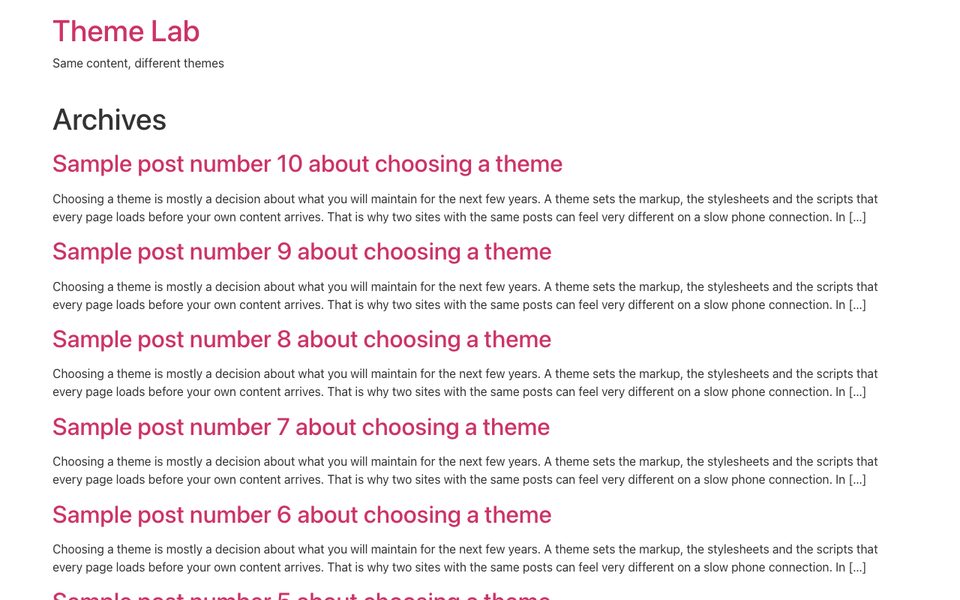
19 KB, 6 requests and just 80 DOM nodes on the homepage. Nothing else came close. There's a catch, though: Hello Elementor is built to be an empty canvas for Elementor, so on its own it shows a bare list of posts. Once you design pages in Elementor, most of the weight comes from Elementor itself, not from the theme. It's the right pick if you already use Elementor and want the theme to stay out of the way.
2. GeneratePress: the fastest complete theme
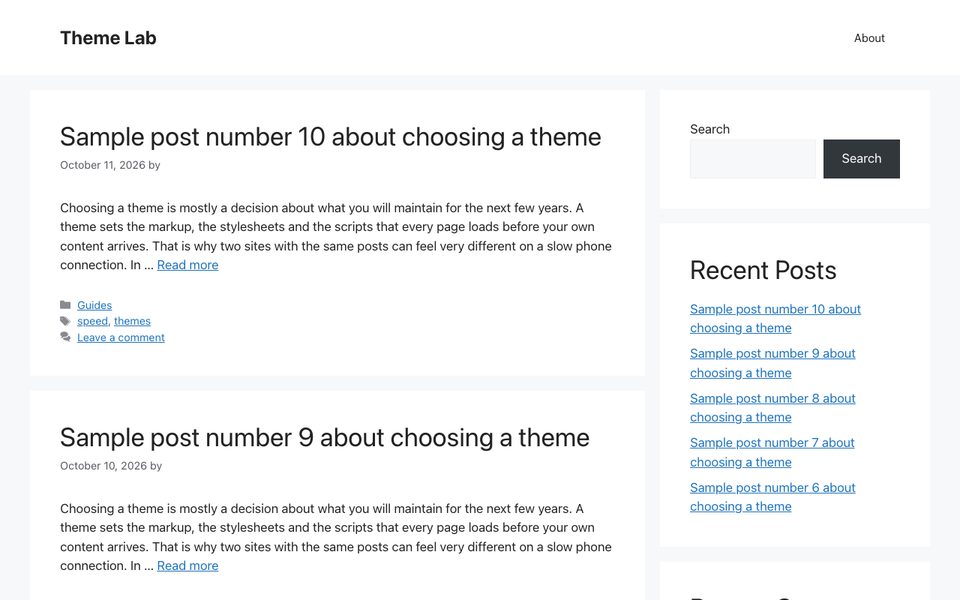
27 KB after gzip, 5 requests and a single render-blocking stylesheet. GeneratePress ships just 19 KB of CSS and loads no web fonts by default, so text renders with system fonts straight away. Its homepage HTML was on the larger side (85 KB), but HTML compresses well and the page still came in second. Why so many DOM nodes (476)? GeneratePress shows a sidebar with search, recent posts and archives by default, and that's where most of them come from. On a single post it adds a small comments stylesheet and stays at 29 KB. If you want a fast theme you can build a whole site with, this is the one to beat.
3. Page Builder Framework: small and overlooked
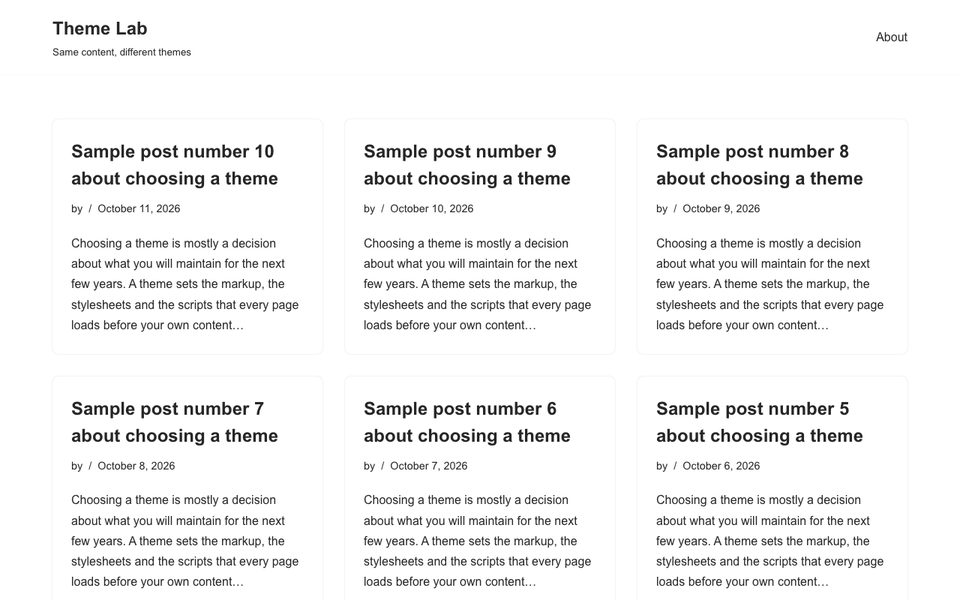
30 KB and 7 requests. It's far less known than the others here, with about 10,000 active installs, but it's lean and was last updated in Apr 2026. Like Hello Elementor, it's meant for people who'll design their pages in a page builder.
4. Neve: light with a real design out of the box
32 KB, 6 requests, one render-blocking file and 254 DOM nodes. Neve looks finished without any setup, and that's what makes these numbers impressive. It was also one of the freshest themes in the test, updated Oct 2026.
5. Sydney: heavy before compression, light after
Sydney shows why the gzip column matters. Uncompressed, its homepage is 253 KB, mostly because it prints a lot of CSS straight into the HTML. That kind of code compresses really well, so after gzip Sydney drops to 39 KB, in the same range as Astra.
Is Astra, Kadence, Blocksy or Neve lightweight?
These are the themes people ask about most, so here's the straight answer from our numbers. They're all lightweight by any reasonable standard. The differences between them are smaller than one unoptimized photo.
- Astra: yes. 41 KB, 5 requests and one render-blocking stylesheet. It has the most active installs in the test (1,000,000+) and was updated on the day we tested.
- GeneratePress: yes, and lighter than Astra: 27 KB against 41 KB on the homepage, 29 KB against 46 KB on a post.
- Kadence: yes on the homepage (43 KB), but it splits its CSS into several files, so it had 4 render-blocking stylesheets there. Single posts are heavier, more on that below.
- Blocksy: yes. 42 KB and 5 requests. Its CSS is bigger than Astra's (97 KB against 44 KB), its JavaScript smaller.
- Neve: yes, the lightest of the five at 32 KB.
Is GeneratePress faster than Astra, then? On bytes, yes, by about 14 KB per page. Will a visitor notice 14 KB? Not on a normal connection. Pick between these five on features and the way you like to work.
What makes a theme heavy
So where does the weight come from? It isn't clever features. In our test it came down to four things:
- Fonts. Twenty Twenty-Four loaded 564 KB of fonts on the homepage, more than the ten lightest themes in the table weigh combined after gzip. Hueman (293 KB), Activello (250 KB) and ColorMag (235 KB) bundle large icon and text fonts too.
- Bundled images. Twenty Twenty-Four's default homepage is a showcase pattern rather than a list of posts, and it pulls in 383 KB of pattern images, and Hemingway 243 KB for its default header image. You'd replace those anyway, but they're there by default.
- jQuery in the way of the first paint. Baskerville had 8 render-blocking files, including jQuery and a slider script, and Hemingway, Customizr and Hueman also block rendering on jQuery. Modern themes load scripts without holding up the page.
- Google Fonts from Google's servers. Storefront, Olsen Light, Customizr and Hestia fetch fonts from fonts.googleapis.com. That's an extra connection to another domain on every page, and in the EU it raises privacy questions too.
Age plays a part as well. Writee (last updated Feb 2022), Hemingway (Dec 2022), Baskerville, Customizr and Hueman (all Dec 2024) haven't had an update in over a year, and an unmaintained theme is a bigger risk than an extra 100 KB.
Single posts can be a different story
Most theme speed tests stop at the homepage. Why does that matter? Because most visitors land on single posts from search. In our test most themes stayed close to their homepage numbers, with two clear exceptions:
- Kadence went from 8 to 14 requests and from 384 to 720 DOM nodes on a single post. The reason is the related posts carousel it adds under each article, with its own slider stylesheet. In total 7 stylesheets blocked the first render. If you don't need related posts, switching them off in the Customizer brings Kadence back in line.
- ColorMag loaded 503 KB of fonts on a single post, against 235 KB on the homepage, which pushed the post to 619 KB after gzip.
Which fast theme should you pick?
- You build with Elementor: Hello Elementor. There's nothing in the theme competing with the builder.
- A blog or content site without a page builder: GeneratePress or Neve. They're both fast, complete and actively maintained. Our blog themes list has more options with screenshots.
- You want a block theme and full-site editing: Twenty Twenty-Five. It had zero render-blocking files on the homepage, the only theme that did, at the cost of 52 KB of fonts.
- You want lots of design options: Astra, Blocksy or Kadence. All three are light; just watch single posts on Kadence.
- A WooCommerce shop: don't pick Storefront for speed. It came in at 118 KB with Google Fonts loaded from Google, more than four times GeneratePress. Astra, Blocksy and Kadence all support WooCommerce and start lighter.
Still deciding between two? Install both and preview them on your own content; our guide on how to install a WordPress theme shows how in a couple of minutes.
Making any theme faster
A light theme gives you a good floor, but it isn't a guarantee. Once you add images, plugins and tracking scripts, those usually outweigh the theme many times over. A few things matter more than switching themes:
- Make sure your host compresses text files with gzip or Brotli. In our test that alone cut the average homepage from 425 KB to 192 KB.
- Host Google Fonts locally, or use system fonts, so pages don't wait on another domain.
- Turn off theme features you don't use, such as related posts carousels, sliders and icon fonts.
- Resize and compress images before upload, and add page caching. Our list of WordPress plugins we tested covers caching and image tools.