10 Best Free Elementor WordPress Themes for Your Website

Elementor builds the pages, but your theme sets the foundation: fonts, spacing, headers, and how fast everything loads. The best pairing is a lightweight, Elementor-friendly theme that stays out of the way. Here are ten of the best free WordPress themes for Elementor, what each is good at, and how to pick one. Do you even need a special theme for Elementor? Not strictly, but a light, compatible one saves you fighting its styles.
The 10 themes
1. Hello Elementor
- Free Yes
- Best for A clean base
Hello Elementor is the official theme from the Elementor team, and it's about as light as a theme gets: 66 KB on our test homepage, the lowest of anything we measured. It ships with almost no styling of its own, so there's nothing to fight in the builder. Planning to design everything in Elementor? Start here.
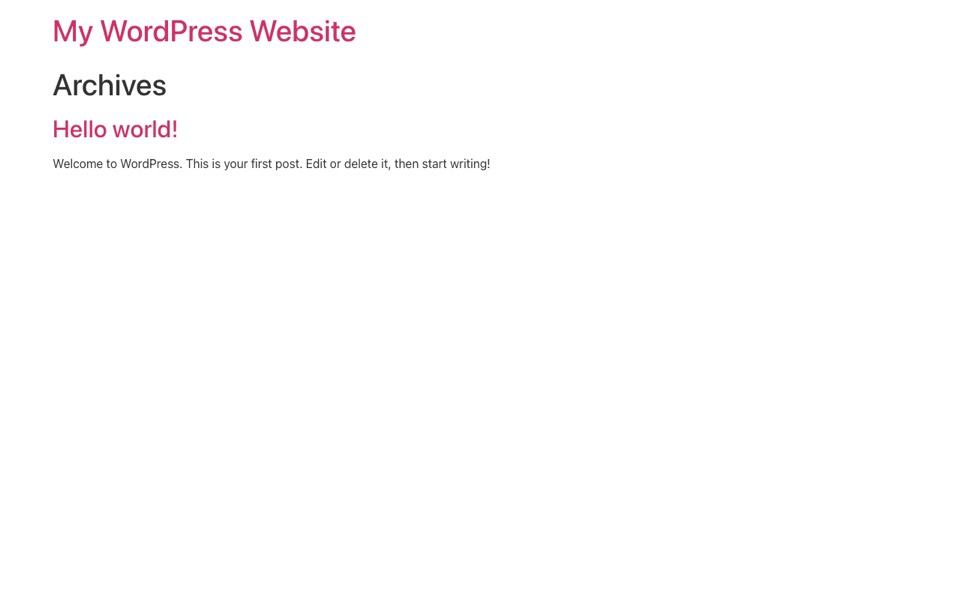
Our test (WordPress 7.1.3): 9 requests and 66 KB on a fresh homepage, with 19 KB of CSS and 22 KB of JavaScript. That's with no setup at all. Hello Elementor on WordPress.org: version 3.5.1, 1,000,000+ active installs, rated 4.2 out of 5, last updated August 2026, needs PHP 7.4 or newer.
2. Astra
- Free Yes
- Best for Starter templates
Astra is one of the most popular WordPress themes, with a big library of starter templates you can import and edit in Elementor. The free version is generous, and you won't outgrow it quickly if you later need more layout control.
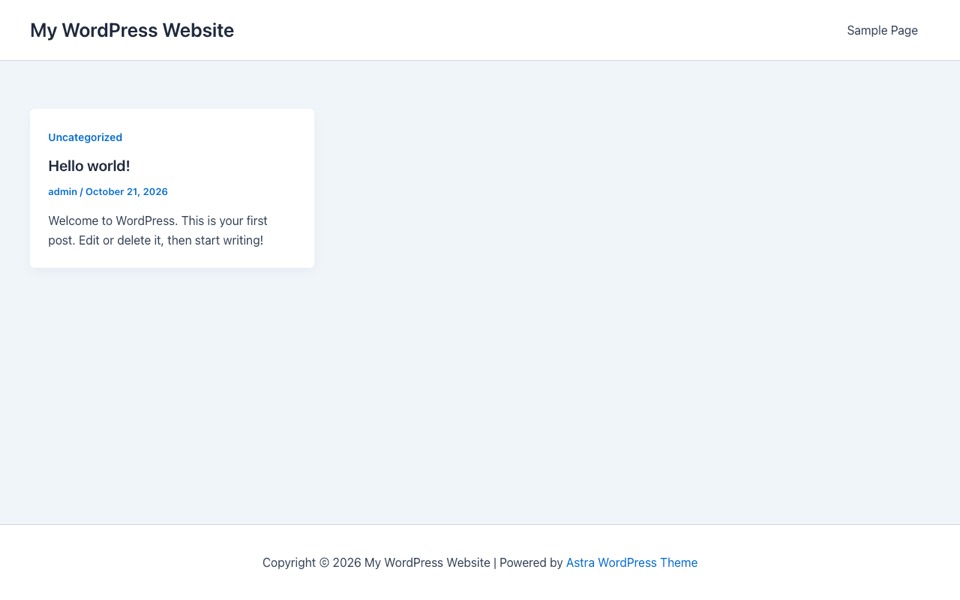
Our test (WordPress 7.1.3): 8 requests and 200 KB on a fresh homepage, with 44 KB of CSS and 48 KB of JavaScript. That's with no setup at all. Astra on WordPress.org: version 4.14.1, 1,000,000+ active installs, rated 4.9 out of 5, last updated October 2026, needs PHP 5.3 or newer.
3. GeneratePress
- Free Yes
- Best for Performance
Developers love GeneratePress for its tiny footprint and clean code, and our test backs that up: under 100 KB with no setup. It stays fast on modest hosting and works smoothly with Elementor. Is page speed your top priority? It's hard to beat.
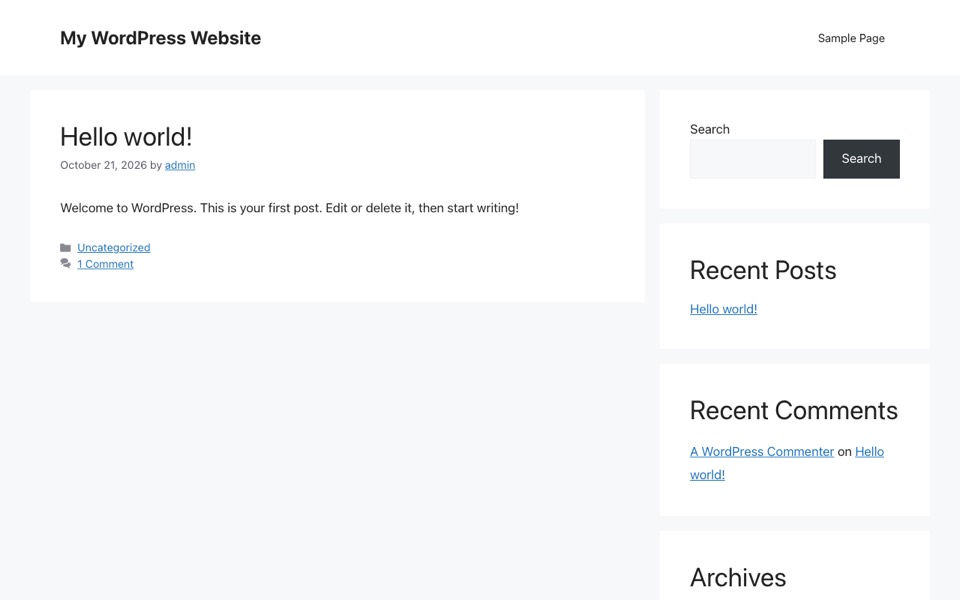
Our test (WordPress 7.1.3): 8 requests and 99 KB on a fresh homepage, with 19 KB of CSS and 29 KB of JavaScript. That's with no setup at all. GeneratePress on WordPress.org: version 3.6.1, 500,000+ active installs, rated 4.9 out of 5, last updated December 2025, needs PHP 7.4 or newer.
4. Neve
- Free Yes
- Best for Fast, modern sites
Neve is light and mobile first, with Elementor ready starter sites. It loads quickly and gives you enough header and layout options in the free version to launch a polished site.
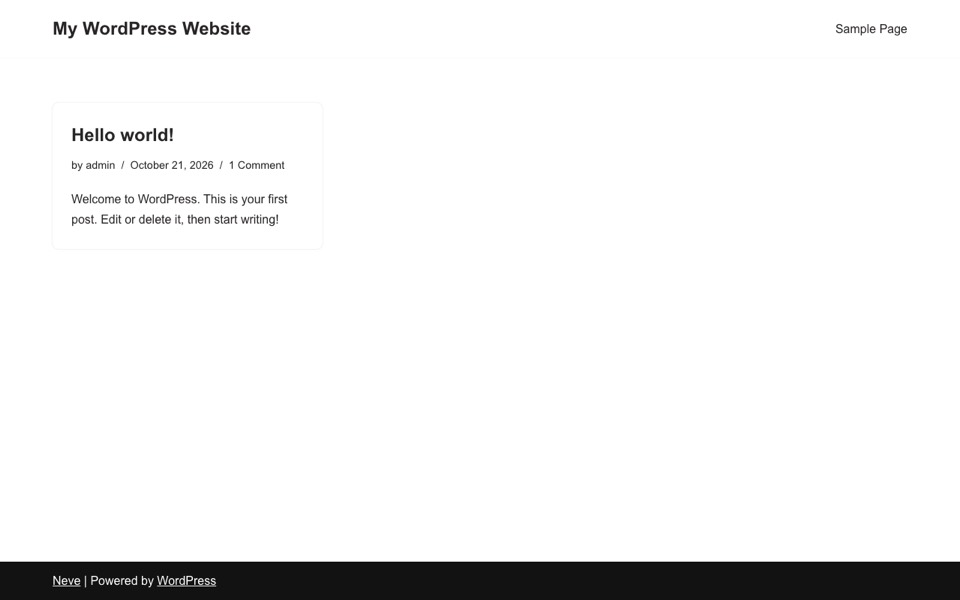
Our test (WordPress 7.1.3): 9 requests and 124 KB on a fresh homepage, with 39 KB of CSS and 32 KB of JavaScript. That's with no setup at all. Neve on WordPress.org: version 4.2.16, 200,000+ active installs, rated 4.7 out of 5, last updated October 2026, needs PHP 7.0 or newer.
5. OceanWP
- Free Yes
- Best for Flexibility
OceanWP is a very flexible multipurpose theme with deep Elementor integration and lots of options in the free version. The catch? It was the heaviest theme on this list in our test, so you'll want caching from day one.
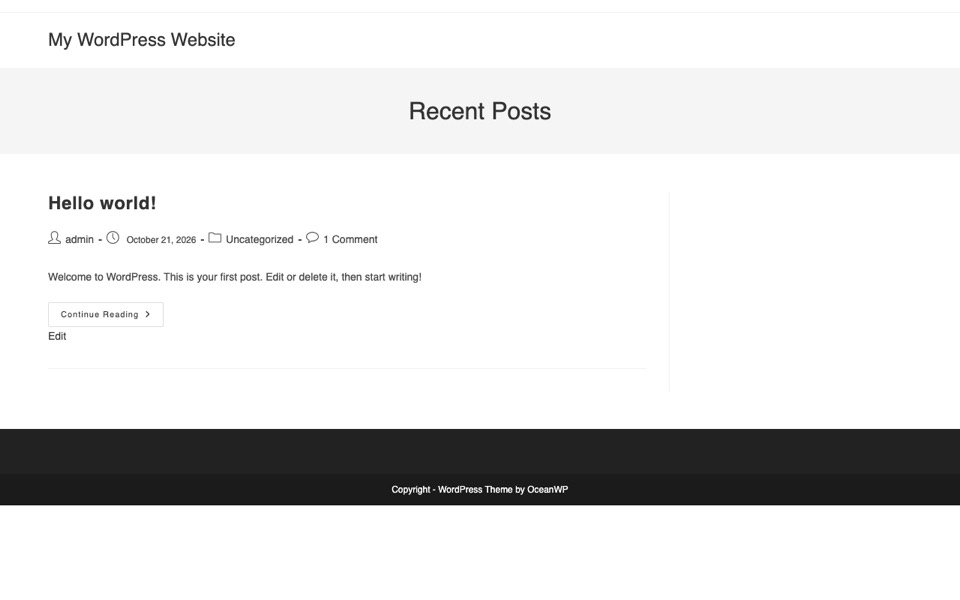
Our test (WordPress 7.1.3): 25 requests and 803 KB on a fresh homepage, with 291 KB of CSS and 282 KB of JavaScript plus 184 KB of fonts. That's with no setup at all. OceanWP on WordPress.org: version 4.2.7, 400,000+ active installs, rated 4.9 out of 5, last updated October 2026, needs PHP 7.4 or newer.
6. Kadence
- Free Yes
- Best for Modern design controls
Kadence pairs a fast core with a strong header and footer builder and good default styling. It's equally happy with Elementor and the block editor, which gives you room to change your mind later.
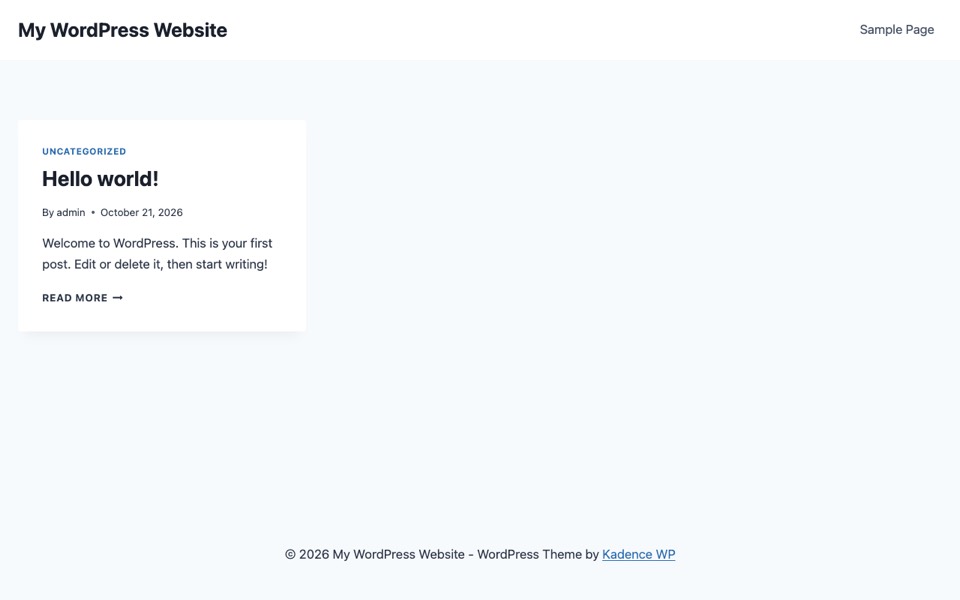
Our test (WordPress 7.1.3): 11 requests and 199 KB on a fresh homepage, with 105 KB of CSS and 44 KB of JavaScript. That's with no setup at all. Kadence on WordPress.org: version 1.5.2, 500,000+ active installs, rated 4.9 out of 5, last updated July 2026, needs PHP 7.4 or newer.
7. Blocksy
- Free Yes
- Best for A generous free tier
Blocksy packs a lot into its free version, including live customizer options and Elementor compatibility. It's modern, quick to set up and one of the more actively updated themes here.
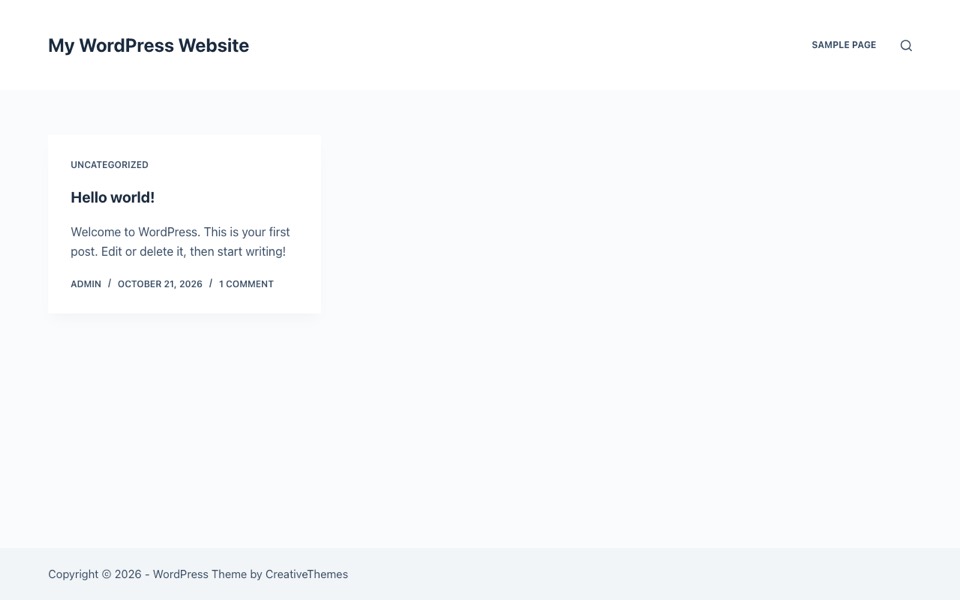
Our test (WordPress 7.1.3): 8 requests and 186 KB on a fresh homepage, with 103 KB of CSS and 30 KB of JavaScript. That's with no setup at all. Blocksy on WordPress.org: version 2.1.60, 300,000+ active installs, rated 5.0 out of 5, last updated October 2026, needs PHP 7.0 or newer.
8. Sydney
- Free Yes
- Best for Business sites
Sydney is built for business and corporate sites, with full screen headers and Elementor friendly layouts. The free version covers most small business needs, and it shipped very little JavaScript in our test.
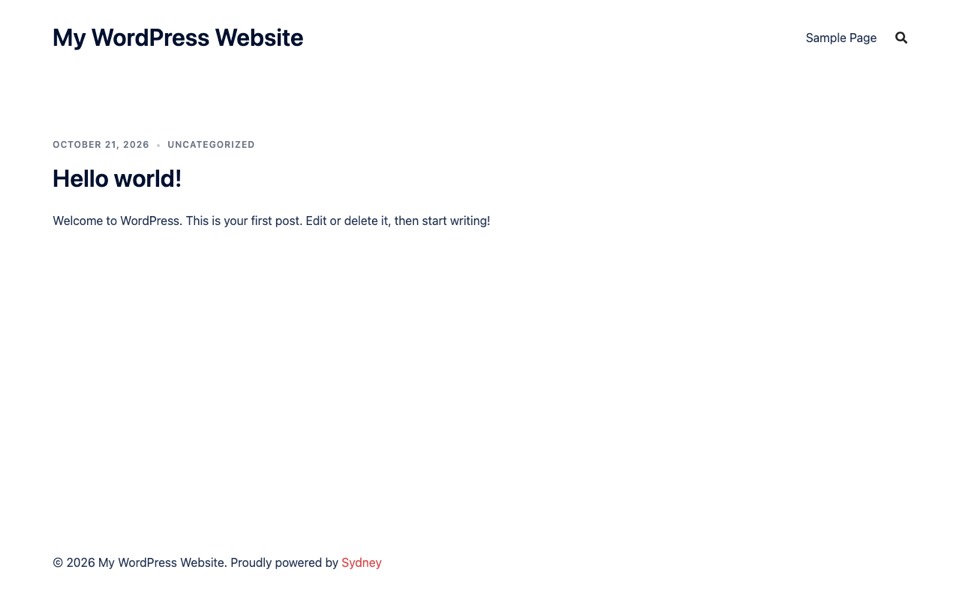
Our test (WordPress 7.1.3): 9 requests and 230 KB on a fresh homepage, with 81 KB of CSS and 15 KB of JavaScript. That's with no setup at all. Sydney on WordPress.org: version 2.72, 80,000+ active installs, rated 4.9 out of 5, last updated October 2026, needs PHP 7.2 or newer.
9. Hestia
- Free Yes
- Best for One-page layouts
Hestia is a clean, material inspired theme that works nicely for one page sites and small businesses. It looks good with little setup, though it carries more CSS than the lighter picks above.
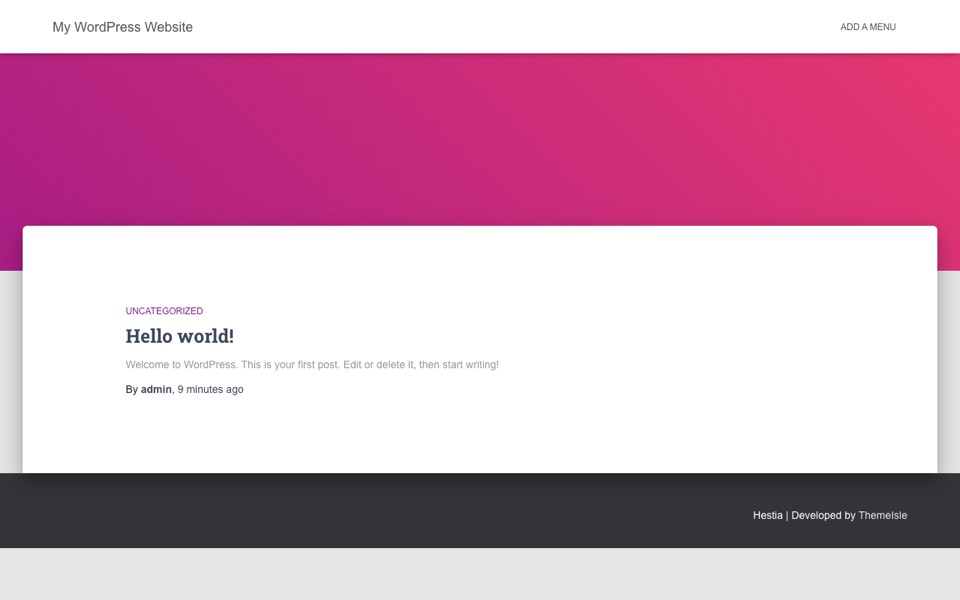
Our test (WordPress 7.1.3): 16 requests and 509 KB on a fresh homepage, with 253 KB of CSS and 183 KB of JavaScript plus 33 KB of fonts. That's with no setup at all. Hestia on WordPress.org: version 3.3.8, 70,000+ active installs, rated 4.8 out of 5, last updated October 2026, needs PHP 5.4.0 or newer.
10. Zakra
- Free Yes
- Best for Ready-made demos
Zakra offers a big set of free starter demos across niches, all Elementor compatible. It's a quick way to launch a themed site and then make it your own.
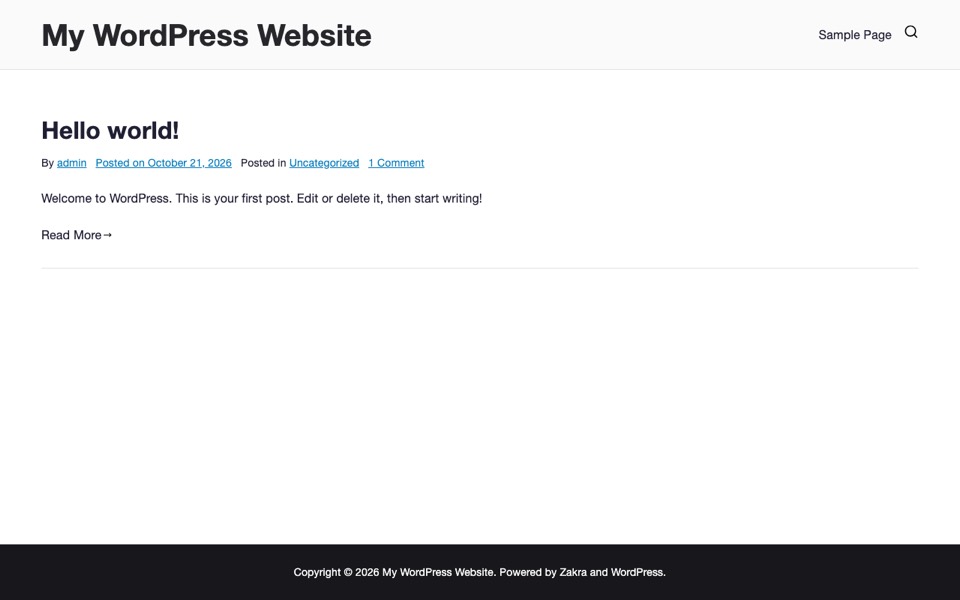
Our test (WordPress 7.1.3): 11 requests and 284 KB on a fresh homepage, with 213 KB of CSS and 34 KB of JavaScript. That's with no setup at all. Zakra on WordPress.org: version 4.3.3, 30,000+ active installs, rated 4.9 out of 5, last updated September 2026, needs PHP 7.4 or newer.
We tested every free Elementor theme on this list
How heavy is each theme before you add anything? On 21 October 2026 we installed every free theme here on a fresh WordPress 7.1.3 site, activated each one and loaded the default homepage with the admin toolbar turned off. The lightest was Hello Elementor at 66 KB, the heaviest OceanWP at 803 KB.
| Theme | Requests | Page weight | CSS | JS | Version | Last updated | Active installs |
|---|---|---|---|---|---|---|---|
| Hello Elementor | 9 | 66 KB | 19 KB | 22 KB | 3.5.1 | August 2026 | 1,000,000+ |
| GeneratePress | 8 | 99 KB | 19 KB | 29 KB | 3.6.1 | December 2025 | 500,000+ |
| Neve | 9 | 124 KB | 39 KB | 32 KB | 4.2.16 | October 2026 | 200,000+ |
| Blocksy | 8 | 186 KB | 103 KB | 30 KB | 2.1.60 | October 2026 | 300,000+ |
| Kadence | 11 | 199 KB | 105 KB | 44 KB | 1.5.2 | July 2026 | 500,000+ |
| Astra | 8 | 200 KB | 44 KB | 48 KB | 4.14.1 | October 2026 | 1,000,000+ |
| Sydney | 9 | 230 KB | 81 KB | 15 KB | 2.72 | October 2026 | 80,000+ |
| Zakra | 11 | 284 KB | 213 KB | 34 KB | 4.3.3 | September 2026 | 30,000+ |
| Hestia | 16 | 509 KB | 253 KB | 183 KB | 3.3.8 | October 2026 | 70,000+ |
| OceanWP | 25 | 803 KB | 291 KB | 282 KB | 4.2.7 | October 2026 | 400,000+ |
Sizes are uncompressed and cover HTML, CSS, JavaScript and fonts on the default sample post, with no plugins. Our test site keeps you logged in, so we turned the toolbar off; a logged out visitor may get a few kilobytes less. A real site with images and plugins weighs more. Directory data from WordPress.org on 21 October 2026. Full method in our editorial policy. For compressed sizes, single posts and render-blocking files on 10 identical posts, see our fastest WordPress themes test.
What do these numbers mean for you? A theme's own weight is the floor your site starts from. Images, extra fonts and plugins usually weigh far more, so a 100 KB gap between two themes matters less than one unoptimized photo. Should you just pick the lightest one, then? Not automatically. Hello Elementor is light because it does almost nothing on its own, which suits a page builder and not much else. Check the update date first: a theme that hasn't been updated in over a year is a bigger risk than an extra 200 KB.
Quick comparison
| Theme | Free | Standout | Best for |
|---|---|---|---|
| Hello Elementor | Yes | Ultra light base | Blank canvas |
| Astra | Yes | Starter templates | Fast launch |
| GeneratePress | Yes | Tiny footprint | Performance |
| Neve | Yes | Mobile-first | Modern sites |
| OceanWP | Yes | Many options | Flexibility |
| Kadence | Yes | Header builder | Design control |
| Blocksy | Yes | Generous free tier | Value |
| Sydney | Yes | Business layouts | Corporate sites |
| Hestia | Yes | One-page design | Small business |
| Zakra | Yes | Many demos | Quick starts |
How to choose
Not sure which way to go? If you want to design everything yourself in Elementor, pick the lightest base like Hello Elementor or GeneratePress. If you'd rather start from a ready layout, choose Astra, Neve, or Zakra and import a starter template. Whatever you pick, keep an eye on speed: test your homepage after setup and avoid loading widgets and fonts you don't use. When you're ready, our guide on how to install a WordPress theme walks through the steps.
More WordPress theme guides
We test themes so you don't have to. Browse the latest picks and how-tos on WP Team X.
Read more theme guides