Product List for Elementor
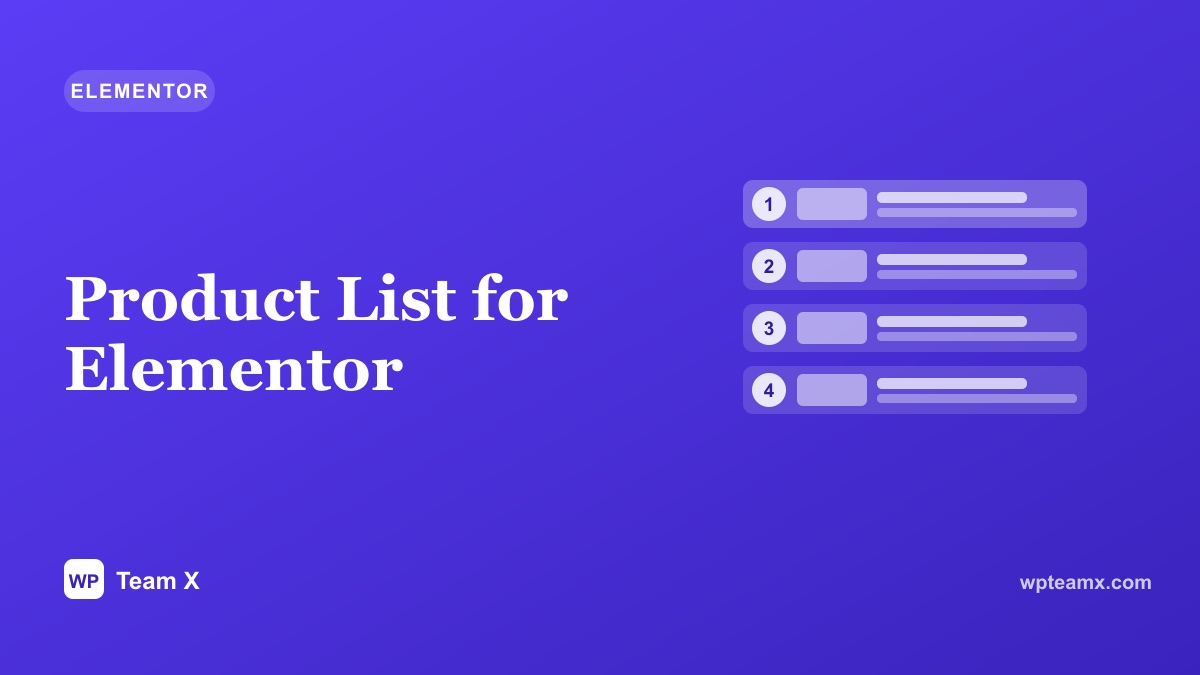
Some products deserve a line each, not a cell in a grid. A product list lays out items vertically, with room for an image, a name, a price, and a short reason to care, which suits a ranked set of picks or a curated shortlist. This is the Product List widget from the Magical Products Display add-on for Elementor, when to use it, how to add it, and how to make each pick count.
- Type Elementor widget
- For WooCommerce
- Layout Vertical list
- Best for Ranked or featured picks
Why a list instead of a grid
A grid is great for browsing many products at once, but it flattens them, every cell looks equal. A list gives each item a full-width row, so you can add a rank, a short note, and a clear button. It reads like a recommendation, which is exactly what a top-picks or editor-choice section wants to feel like.
List vs a grid
| Product list | Product grid | |
|---|---|---|
| Emphasis | One item per row | All items equal |
| Room per item | Image, name, note, button | Compact card |
| Best for | Ranked or curated picks | Browsing a catalog |
| Feel | A recommendation | A listing |
How to add a Product List in Elementor
With the Magical Products Display add-on active:
- Activate the add-on and edit your page with Elementor.
- Drag the Product List widget onto the canvas.
- Choose the products: category, tag, best-selling, or hand-picked, and the order.
- Set what shows: image, price, rating, and button per row.
- Style and publish: rows and spacing, then check mobile.
Options worth setting
- Product source. Category, tag, best-selling, or hand-picked.
- Ordering. Custom order for a ranked list, or by popularity.
- Row content. Image, name, short text, price, rating, and button.
- Responsive. Rows reflow cleanly on tablet and mobile.
- Styling. Row style, dividers, and spacing in Elementor.
Tips for a persuasive product list
- Add a one-line reason per item, why it made the list.
- Order with intent, best first, so the top row gets the clicks.
- Keep buttons clear, View or Buy, not just an arrow.
- Use the same image ratio so rows line up neatly.
- Keep the list short, a top five or ten reads better than fifty.
See more widgets and themes
Browse the full set of Elementor widgets and WordPress themes in the WP Team X demos.
Open the demos